


Convert Code_Aster MED/RMED simulation results into LIMIT .linp / .lui input files for fatigue analysis.
- Shell workflows (DKT elements: S3, S4) with REPLO/CARCOQUE handling
- Linear solid workflows (C3D8 / HEXA8, C3D6 / PENTA6) with validated LIMIT node ordering
- Multi-step / multi-increment displacement and stress transfer
- Optional shell orientation file, or read directly from
IMPR_CONCEPT-embedded result file - Automatic detection of shell support level (works for shell-only and mixed hexa+shell models)
- Identify weld groups as Group_NO (not Group_MA), 1 node set per weld
- For shell element, extract top/bottom stresses as:
SIEF_SUP=POST_CHAMP(RESULTAT=RESU,
                    EXTR_COQUE=_F(NOM_CHAM='SIEF_ELNO',
                                  NUME_COUCHE=1,
                                  NIVE_COUCHE='SUP',),);

SIEF_INF=POST_CHAMP(RESULTAT=RESU,
                    EXTR_COQUE=_F(NOM_CHAM='SIEF_ELNO',
                                  NUME_COUCHE=1,
NIVE_COUCHE='INF',),);- For shell element, extract orientation/tichkness as:
IMPR_CONCEPT(FORMAT='MED',
             UNITE=80, --> Same unit as your results or in a dedicated file
             CONCEPT=(_F(CARA_ELEM=Elem,
                         REPERE_LOCAL='ELEM',
MODELE=Modell,),),) Install med2limit with pip into a virtual python environnement (venv):
python3 -m venv .venv
source .venv/bin/activate
pip install med2limitFrom 01_exemple in folder:
med2limit/exemples/datamed2limit 01_exemple.rmed output.linp output.lui --groups "Shell1,Shell2" --nsets "WeldNo"With separate orientation file:
med2limit 01_exemple.rmed output.linp output.lui 01_carcoc.rmed --groups "Shell1,Shell2" --nsets "WeldNo"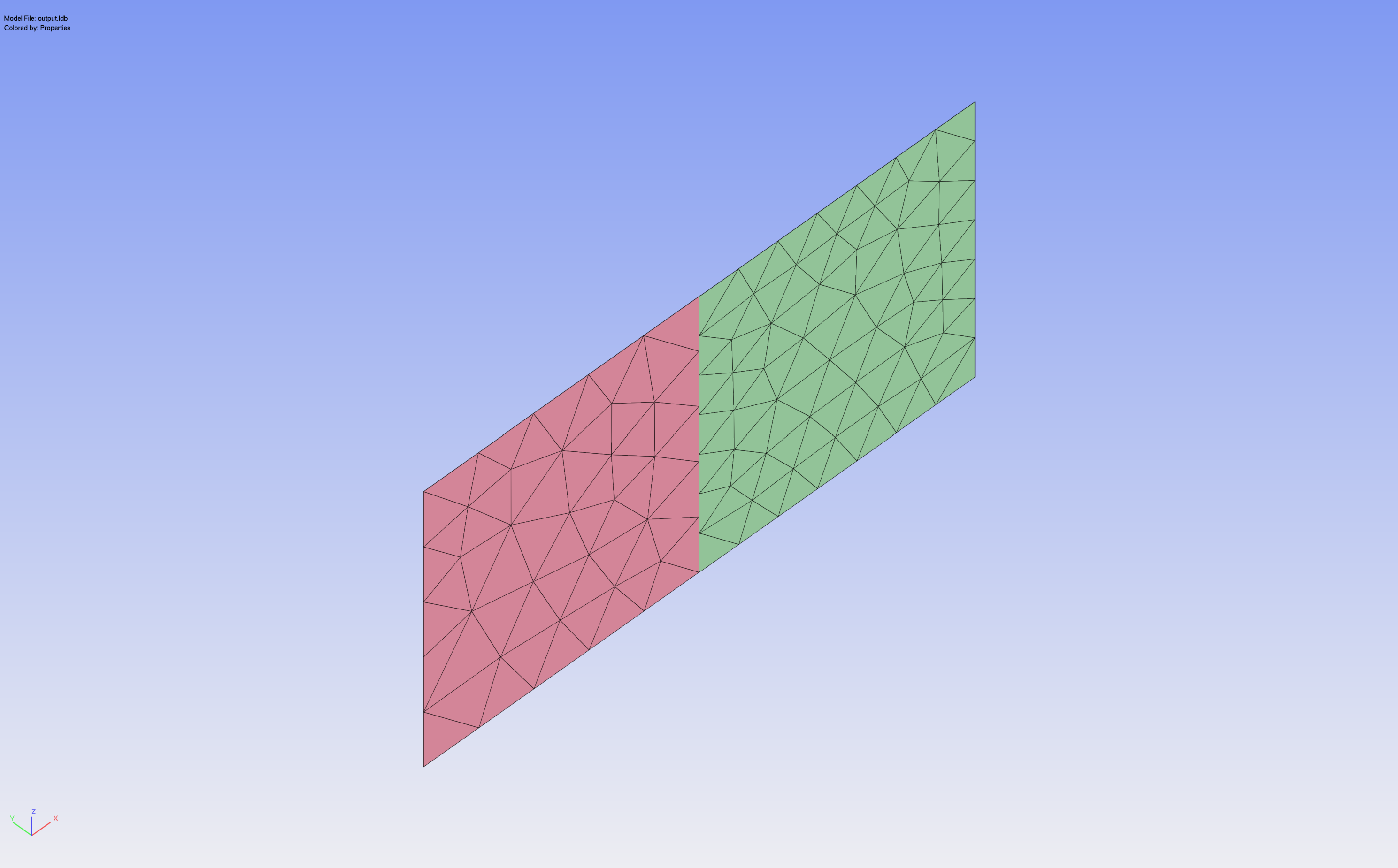
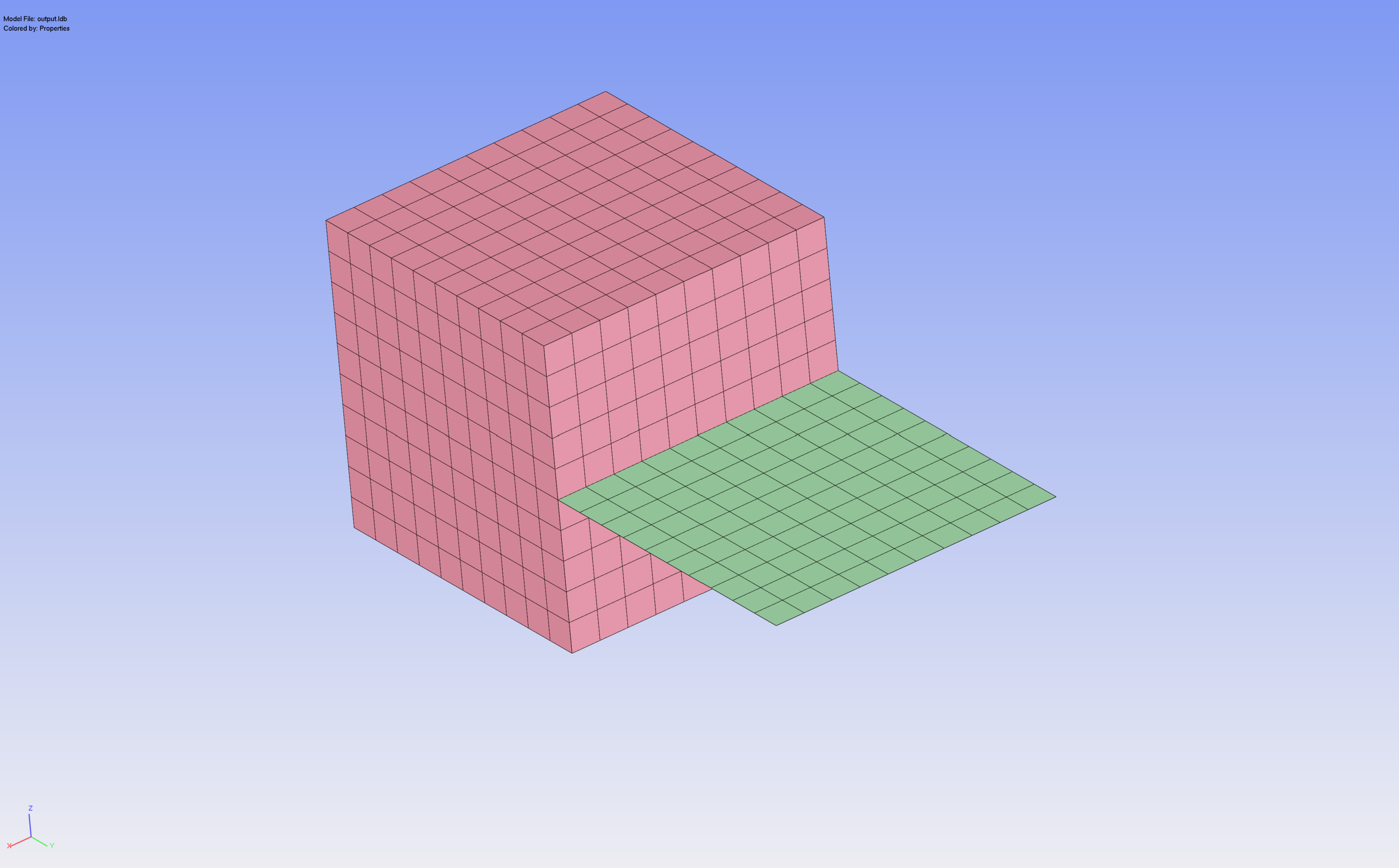
from med2limit import MEDToLimitConverter

conv = MEDToLimitConverter(
    med_filename="LIMIT1.rmed",
    linp_filename="out.linp",
    lui_filename="out.lui",
    active_groups=["Shell1", "Shell2"],
    active_nsets=["WeldNo"],
)
conv.convert()med2limit/
├── element_types.py # MED↔LIMIT type mapping + helpers (pure)
├── reader.py # MED file open + field lookup
├── mesh.py # nodes, elements, GROUP_MA, GROUP_NO
├── fields.py # DEPL + SIEF over all timesteps
├── orientation.py # REPLO + CARCOQUE (embedded or separate)
├── filter.py # active group selection + shell metadata mapping
├── result_mapper.py # per-timestep stress/displacement mapping
├── writer.py # .linp + .lui output
├── converter.py # orchestrator (step_1 .. step_6 + convert)
└── cli.py # CLI + in-script config
pytest                      # all tests
pytest tests/test_element_types.py # one module- Quadratic solids (C3D10, C3D15, C3D20) — node ordering not yet validated in LIMIT
- Shell elsets with mixed thicknesses use the most-frequent value (with warning)
Special thanks to Tobias and Nikolaus for their feedback as early adopters and their patience during the iterative development of the converter.