




English | 中文
Disclaimer: This is an independent, community-maintained project. It is not affiliated with, sponsored by, or endorsed by CapCut, JianYing, or ByteDance Ltd. "CapCut" and "JianYing" (剪映) are trademarks of ByteDance Ltd. All product names, logos, and brands are the property of their respective owners and are used here only for identification (nominative) purposes.
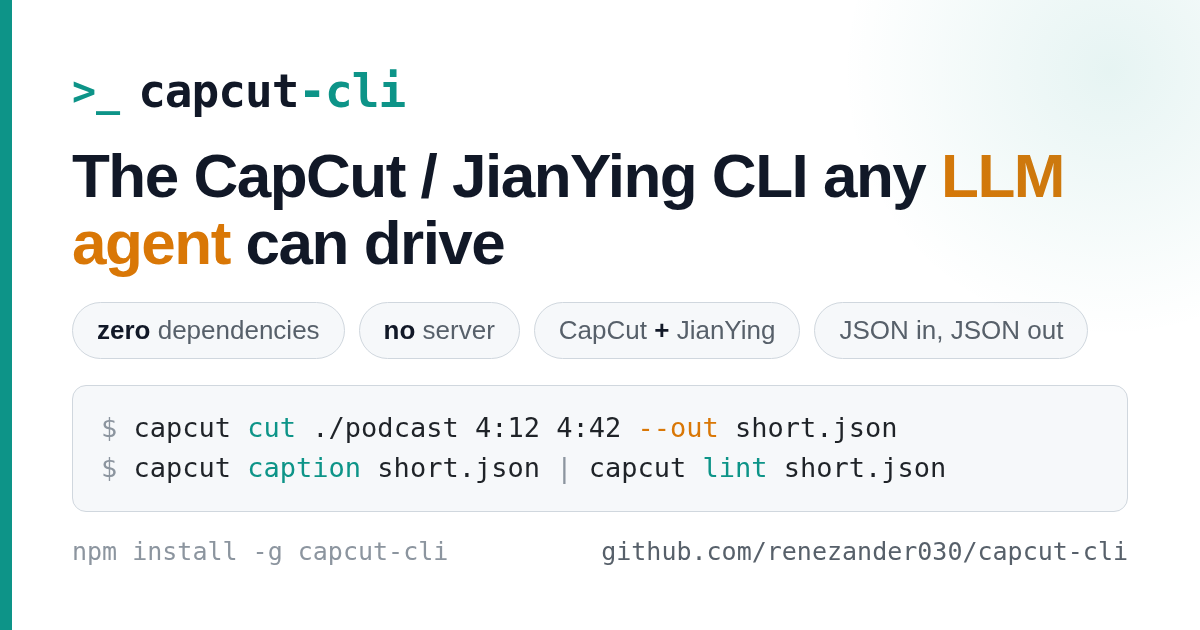
An independent CLI for CapCut / JianYing that any LLM agent can drive — zero dependencies, no server, both namespaces in one binary.
JSON in, JSON out: every command reads and writes the local draft store directly, with no MCP server or HTTP daemon. On newer CapCut versions it detects and synchronizes every readable timeline target instead of assuming draft_content.json is the only source of truth. That gives any model (Claude, DeepSeek, GLM, Kimi) a deterministic boundary for inspection, building, subtitles, captions, translation, and long-form cuts.
Use it three ways:
- CLI —
npm install -g capcut-cli, thencapcut <command> <project> - Library —
import { loadDraft, lintDraft, saveDraft } from "capcut-cli"(typed, zero-dep) - Queue runner —
capcut servereads JSONL jobs from stdin, for n8n / Make / Coze
Prerequisites: Node ≥ 18 (built-ins only — no native modules). Optional tools unlock specific commands: Whisper for caption, FFmpeg for render, ffprobe for automatic media metadata, and ANTHROPIC_API_KEY for translate.
npm install -g capcut-cli # or: npx capcut-cli <command>Build from source instead: git clone https://github.com/renezander030/capcut-cli && cd capcut-cli && npm install && npm run build (then npm link to expose capcut).
capcut doctor                                  # verify Node, FFmpeg, whisper, draft dirs
capcut quickstart my-first --video clip.mp4    # create + add input + lint, prints the "open in CapCut" step
capcut info ./my-first/                         # inspect the draft (add -H for a table)
Then open the project in CapCut to review and render. Every short-video platform forbids automated upload, so the publish click stays human.
JSON by default (pipe to jq); add -H for a human-readable table. Pass --jianying to use the JianYing enum namespace. Run capcut <command> --help for full flags.
| Group | Commands |
|---|---|
| Inspect | info · tracks · materials · version · lint |
| Browse / drill in | segments · texts · segment · material |
| Create | init · quickstart · compile (build a draft from a JSON spec) |
| Preview | render (low-res ffmpeg proxy — not CapCut's final render) |
| Add | add-video · add-audio · add-text (Wikimedia URLs supported, license-checked) |
| Edit / animate | trim · speed · volume · transitions · masks · text/image animations |
| Templates | apply and extract reusable layouts |
| Subtitles & i18n | caption · import-srt · translate (multi-language draft clone) |
| Effects | sfx · chroma (chroma key) |
| Long-form → short | cut |
| Automation | serve (stateless JSONL runner) · migrate · doctor |
Full reference for every command, option, and exit code: docs/command-reference.md.
capcut-cli is MIT and free forever. Sponsoring funds faster releases and same-week support for new CapCut / JianYing versions — and unlocks power-user extras:
- $5/mo · Supporter — sponsors-only release notes plus your name in
BACKERS.md. Keep the project moving. - $25/mo · Pro — invite to the private
capcut-cli-prorepo: premium template and caption-style packs, the full Claude viral-shorts pipeline, ready-to-runcompilespecs, and early-access builds. Plus priority issue triage. - $100/mo · Team — everything in Pro for up to 5 teammates, written commercial-use confirmation, your logo in this README, and priority fast-tracking of the features your team needs.
Using capcut-cli at work? The Team tier pays for itself the first afternoon it saves your engineers.
CapCut/JianYing store each project as local JSON. capcut-cli loads that store, validates against a version-aware schema, applies your edit, and writes it back atomically (with a .bak). No project files are uploaded anywhere; nothing runs as a service. See docs/version-support.md for the CapCut/JianYing versions and schema flags it understands.
- docs/command-reference.md — every command and flag
- examples/ — end-to-end recipes (VO alignment, serve automation, batch subtitle correction)
- docs/version-support.md · docs/jianying-encryption.md
- CHANGELOG.md · Releases — what's new
- draftcat — sibling project: governed AI pipelines (Go, MIT), same single-binary, no-API design
CapCut™ and JianYing™ (剪映) are trademarks of ByteDance Ltd. This project is unofficial and is not affiliated with or endorsed by ByteDance; the marks are used nominatively to describe interoperability.
MIT