This repository was archived by the owner on Jan 18, 2023. It is now read-only.
Installation (Windows)
NOTE: This project requires Python 3.7+ to run.
-
Go to the Python page (https://www.python.org/downloads/) and download, then install, Python version 3.7+. Make sure that the checkbox is checked for Python to be added to the PATH
A more detailed and in-depth guide on how to install Python can be found here
-
[Optional] Open a new
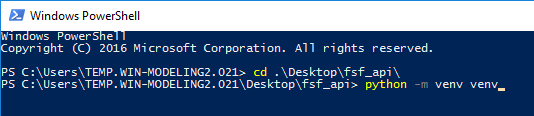
powershell console, then create and activate a new virtual environment in the project directory:python -m venv /path/to/new/virtual/environment cd /path/to/project .\venv\Scripts\activate

-
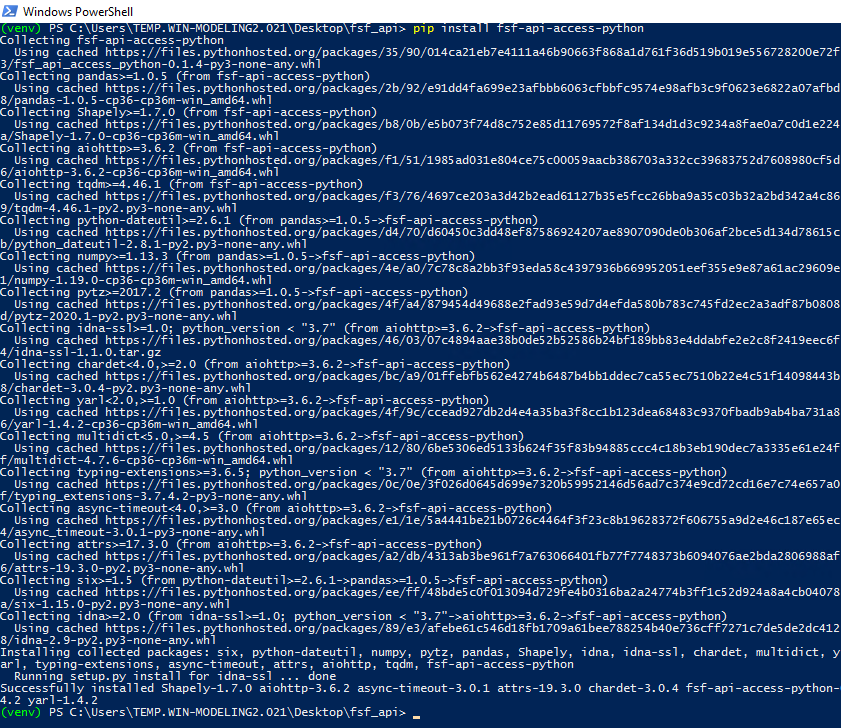
Use pip to install the project
cd /path/to/project

pip install fsf-api-access-python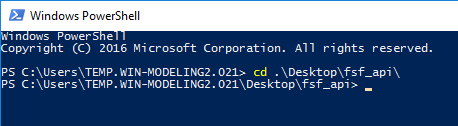
-
The project is now setup and can be ran through one of the two methods. See the
Productstab for additional details on the flood data products provided by the First Street Foundation API.Example Final File Structure: . ├── venv ├── my_script.py